Wtfast Android App
Online Help
Online Help
| Setting up the WTFast Android Application! | |
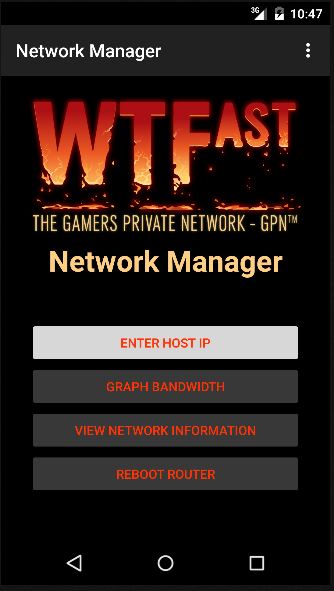
The application start screen. Tap the Enter Host IP button to begin. |
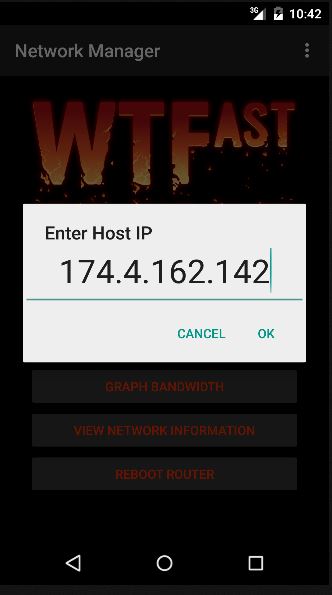
The Enter Host IP prompt box opens. Enter in the IP address of your router. |
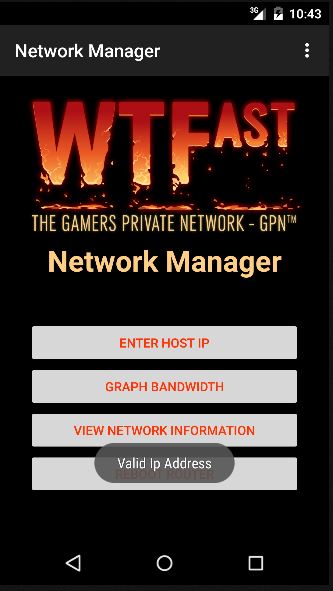
The main menu will now be unlocked! |
|
| Creating Device Profiles | |
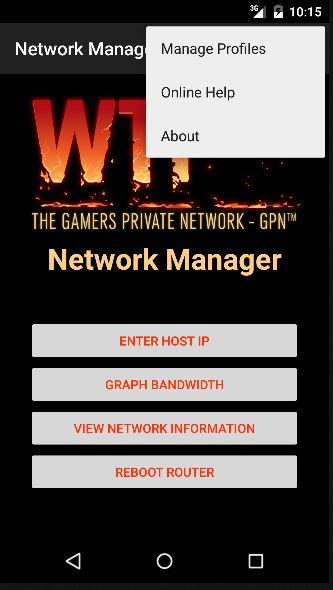
Tap the options menu in the top right and then tap "Manage Profiles." |
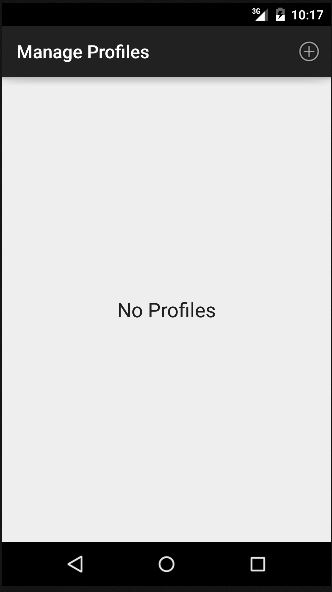
Tap the + icon in the top right to create a new profile. |
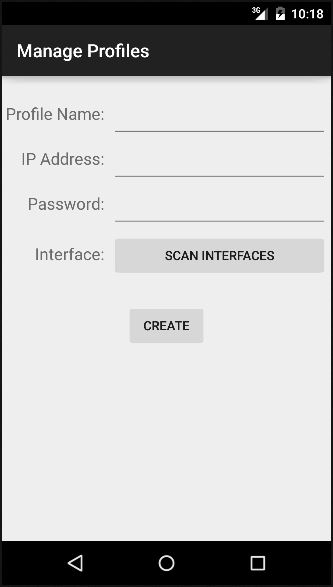
Enter in the all the information of the router and tap scan interfaces. |
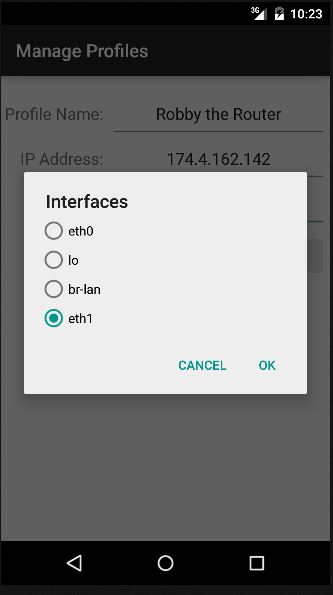
Select the interface of the router that you would always like to graph. |
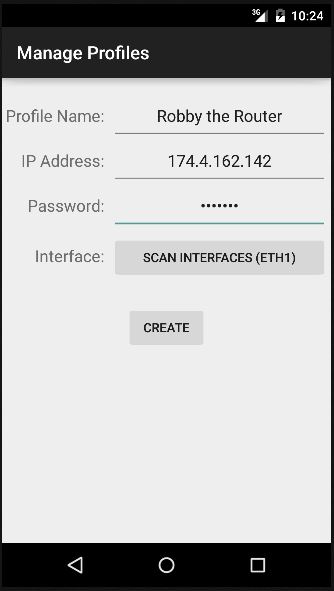
Tap the "Create" button to create and save your new profile. |
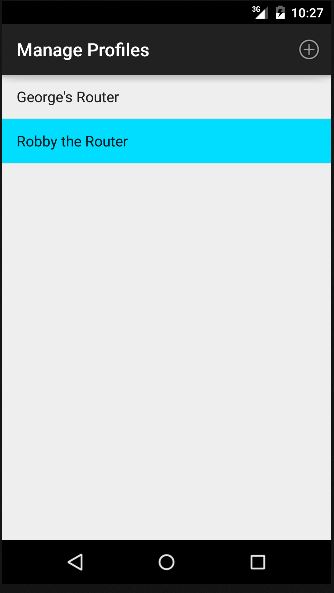
Tap the profile you want to use. Selected profiles turn blue and tap + hold a profile to edit and delete. |
| Error Messages | |
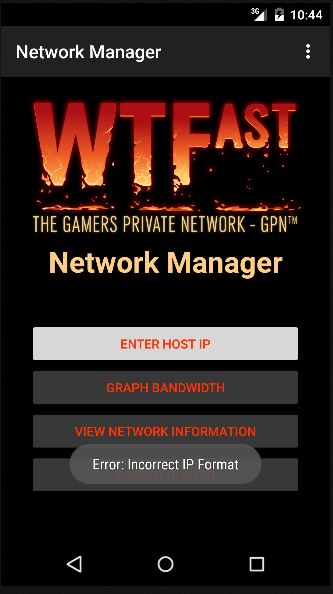
If an invalid IP address is entered you will be notified. |
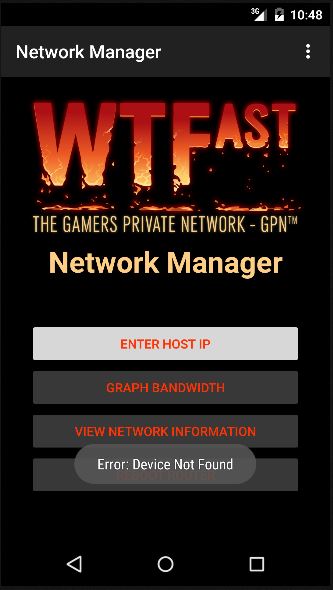
If an valid IP address is entered but no connection to the device is found. |
| <- Home | Graphing -> |