Wtfast Android App
Online Help
Online Help
| Graphing your bandwidths! | |
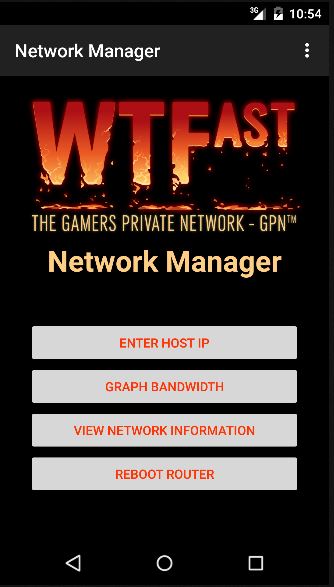
Tap the Graph Bandwidth button to enter the graphing screen. |
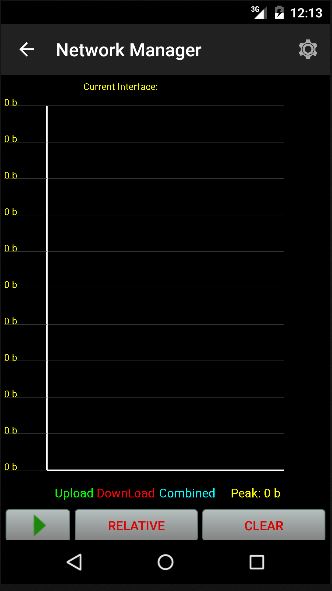
Tap the play button to begin graphing. |
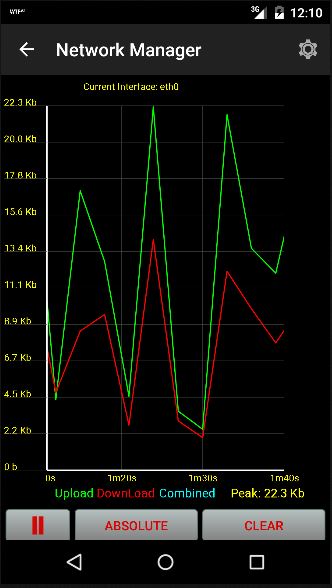
Tap the "Relative" button to set the graph relative to the highest point. |
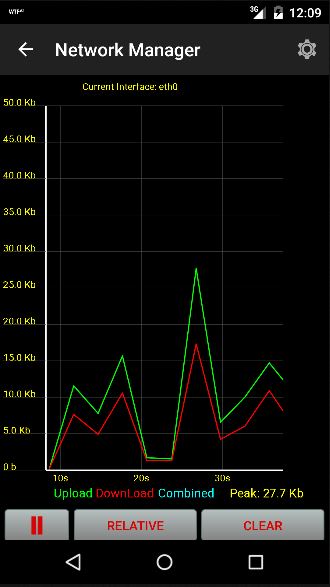
Tap the Absolute button to graph within set scaled increments. |
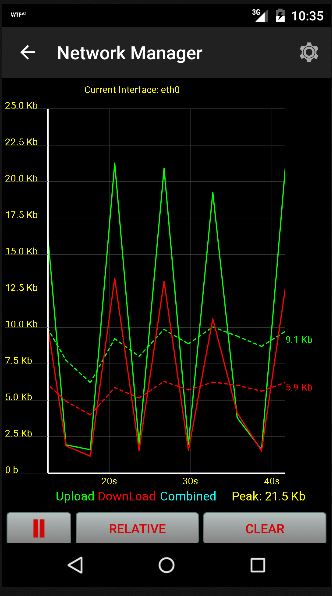
To stop graphing click the pause button. |
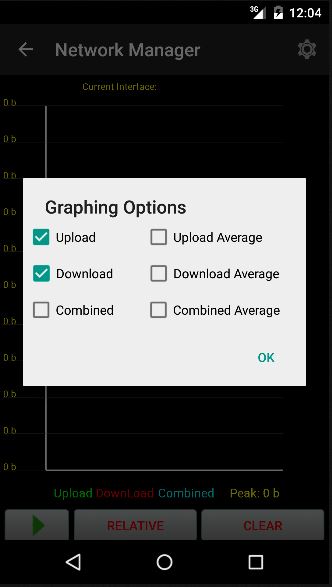
Tap the gear icon in the top right to select from all of the graphing options! |
| Fullscreen & Landscape | |
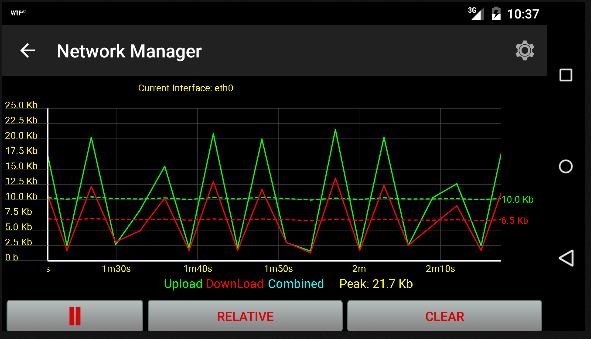
Turn your device sideways to display the graph in landscape mode. |
|
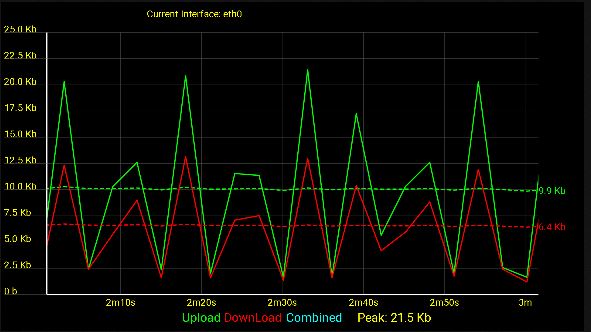
Tap graphing area on the screen to begin graphing in fullscreen! |
|
| <- Setup | Router Info -> |