Wtfast Android App
Online Help
Online Help
| Viewing your router's information! | |
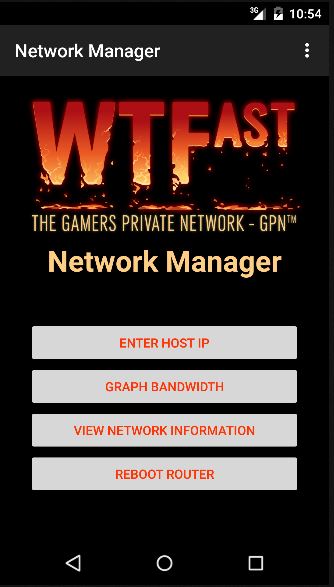
Tap the View Network Infomation button to view your router's info. |
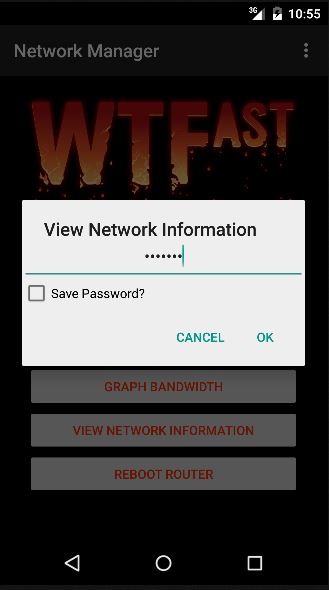
You will be prompted for your router's admin password to proceed. |
|
Tap the Save Password checkbox to hold your password for the future |
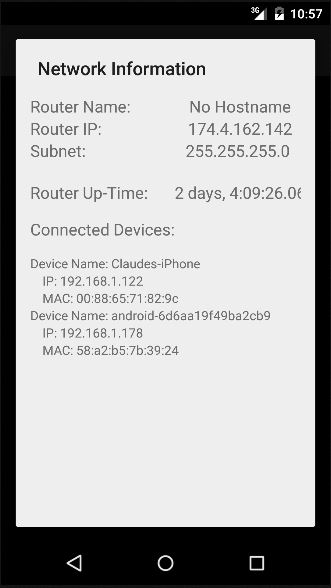
The name, uptime, IP address, and connected devices of your router will be shown. |
| Error Messages | |
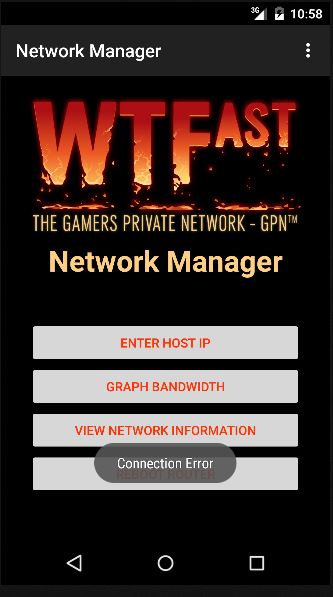
If a connection to the given IP address of your router is not made, a message will be shown to notify you. |
|
| <- Graphing | Rebooting -> |